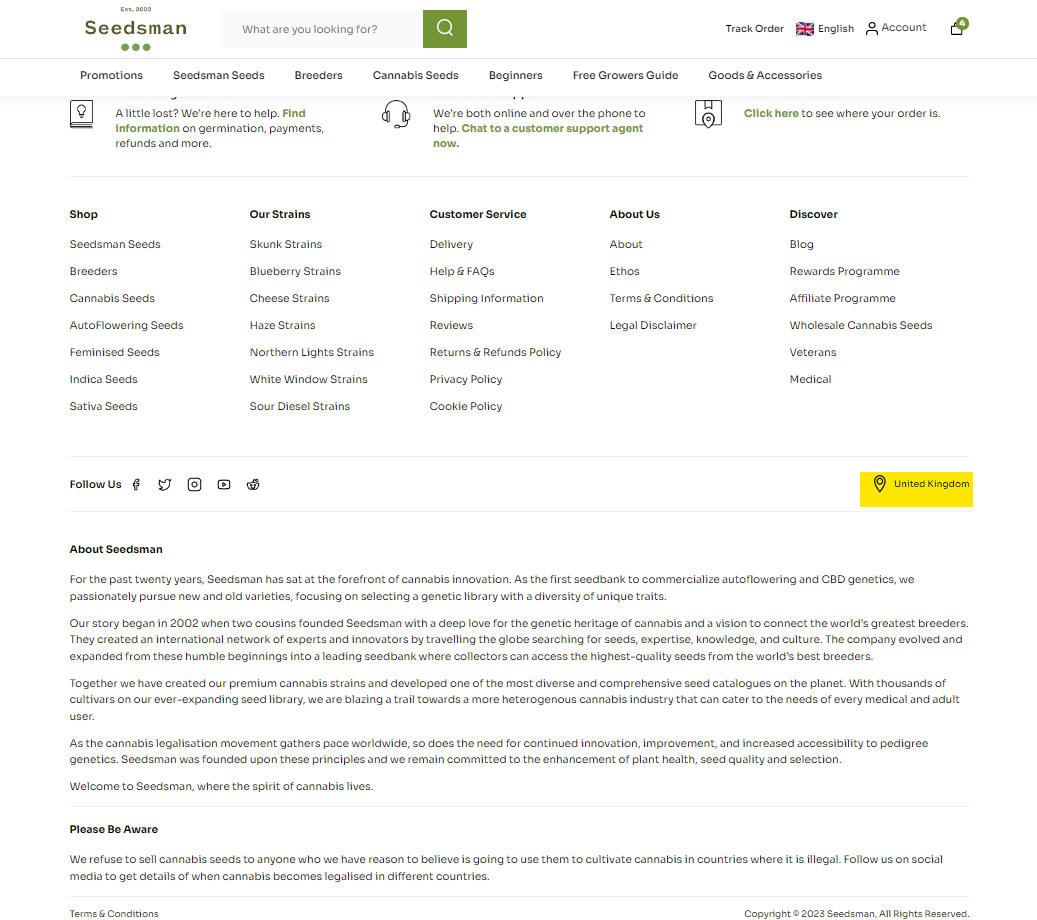
How to change your store locationUpdated 9 months ago
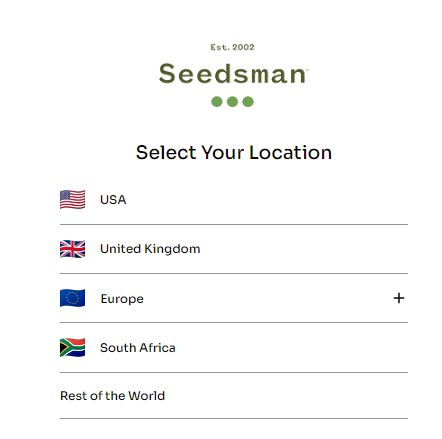
When you first access our website you will be presented with the following options to ensure you can see available products in your area:
If you need to navigate back to these options at any time, for example if you realize you've selected the wrong option, scroll to the bottom of the page and above the About Seedsman section you'll see the location you've selected. You can click on this any time to return to the options.